Workflows
Build automated AI pipelines with visual DAG composition and execution monitoring.
What are Workflows?
Workflows in M3 Forge are Directed Acyclic Graphs (DAGs) that orchestrate multi-step AI operations. Each workflow consists of nodes connected by edges, where data flows from inputs through transformation, validation, and enrichment stages to produce final outputs.
Workflows enable:
- Visual pipeline composition using a drag-and-drop canvas editor
- Reusable logic through modular node architecture
- Quality control with built-in validation and guardrails
- Human oversight via approval gates and correction steps
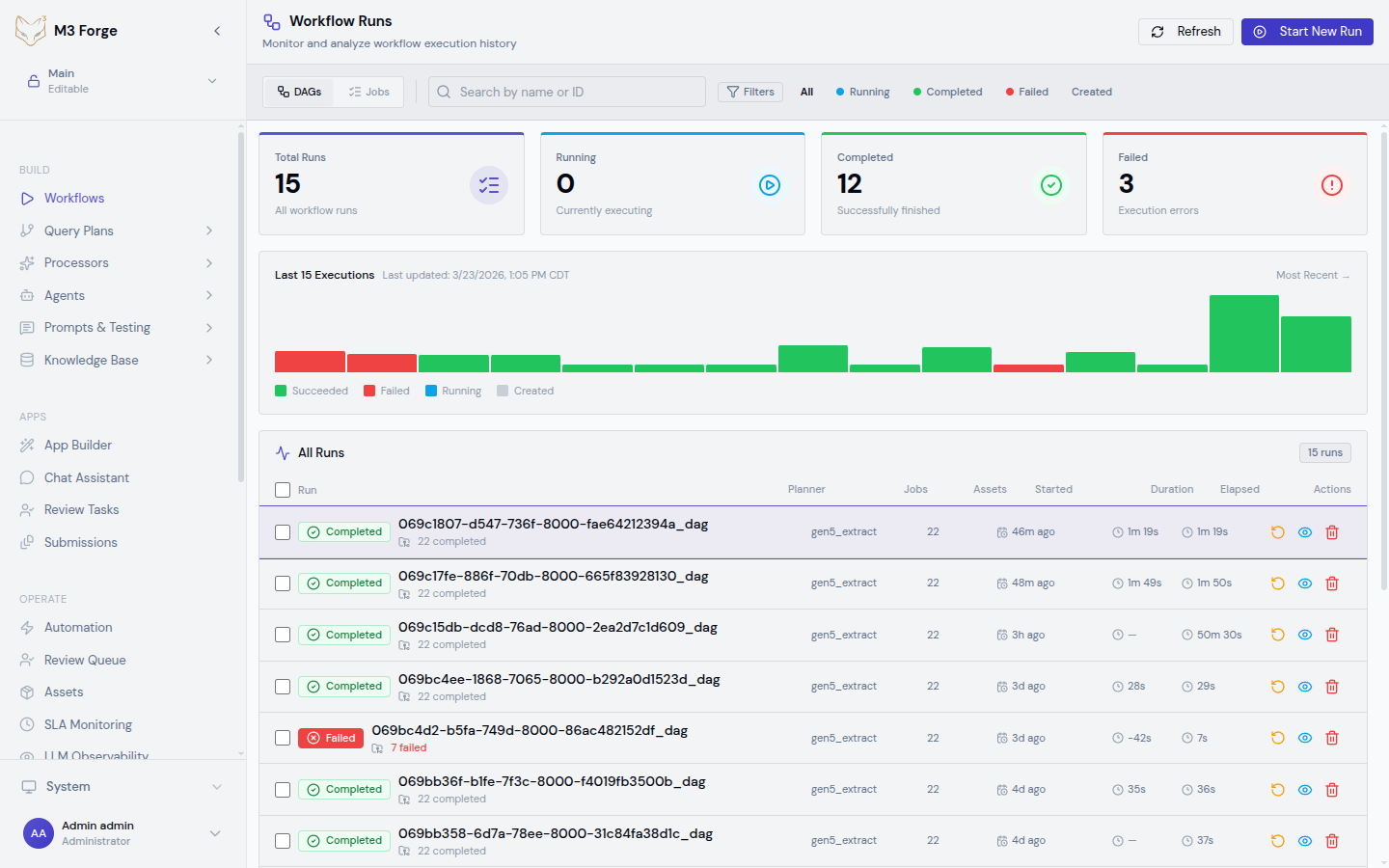
- Real-time monitoring of execution status and logs
DAG Execution Model
Workflows execute as directed acyclic graphs where:
- Nodes represent operations (LLM invocation, code execution, validation, human review)
- Edges define data flow and execution order
- Inputs are passed as JSONPath-accessible context
- Outputs from each node become available to downstream nodes via
$.nodes.<node_id>.output
The execution engine respects dependency order, runs independent branches in parallel, and provides detailed logging at each step.
Key Concepts
Nodes
Atomic units of work that perform specific operations. Each node has:
- Type - Defines behavior (Prompt, Code, Guardrail, HITL, etc.)
- Configuration - Parameters like model selection, thresholds, routing rules
- Inputs - Data consumed from upstream nodes or workflow context
- Outputs - Results made available to downstream nodes
See the Node Catalog for all available node types.
Edges
Directed connections between nodes that define:
- Data flow - Output from source node becomes input to target node
- Execution order - Target node runs after source completes
- Conditional routing - Guardrail and HITL nodes support multiple output paths
Context
JSON object containing all workflow state:
- Input data - Initial payload passed to workflow (
$.data.*) - Node outputs - Results from executed nodes (
$.nodes.<node_id>.output) - Metadata - Execution timestamps, user info, run ID
Access context in node configurations using JSONPath syntax like $.nodes.llm_node.output.text.
Paths
Nodes like Guardrail and HITL Router can route execution to different downstream paths based on evaluation results. Each path specifies:
- path_id - Identifier like
pass,fail,approve,reject - target_node_ids - Array of nodes to execute on this path
This enables retry loops, fallback logic, and conditional branching.
When to Use Workflows
Workflows are ideal for:
| Use Case | Example |
|---|---|
| Multi-step document processing | Extract → Classify → Route → Transform → Validate |
| RAG pipelines | Retrieve → Rerank → Generate → Faithfulness check |
| Approval workflows | Process → Review → Approve/Reject → Notify |
| Data validation | Extract → Schema validation → PII detection → Quality scoring |
| Iterative refinement | Generate → Evaluate → Retry if needed → Return result |
For simple single-step operations, use Agents or direct API calls instead.
Getting Started
Architecture
Workflows are stored as JSON DAG definitions in PostgreSQL (marie_scheduler.dags table) and executed by the Marie-AI backend via a RabbitMQ-backed job scheduler. The M3 Forge frontend provides:
- Canvas editor (React Flow) for visual composition
- tRPC API for DAG CRUD operations
- SSE streams for real-time log consumption
- Run management UI for monitoring and control
Workflows execute on Marie-AI backend infrastructure, not in the browser. The canvas is a visual editor that generates executable DAG JSON.
Next Steps
- Learn how to build your first workflow
- Explore the node catalog to understand available operations
- Set up triggers to automate execution
- Monitor workflow health in the runs view