Environments
Configure and manage isolated environments for development, staging, and production deployments.
Overview
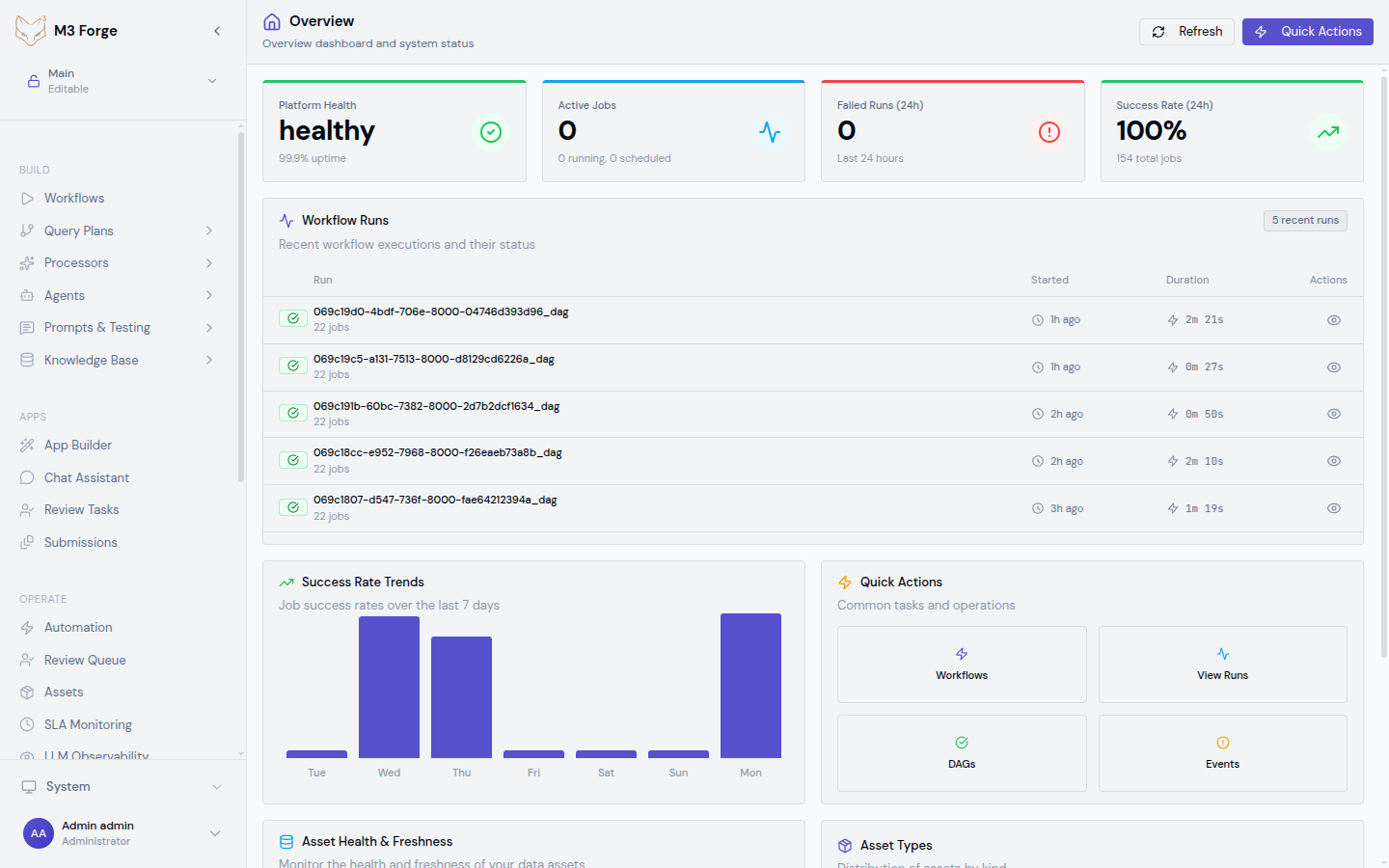
Environments in M3 Forge provide logical separation between different stages of the software lifecycle. Each environment is a self-contained instance with:
- Isolated data - Separate database schema or instance
- Independent configuration - Environment-specific secrets and settings
- Dedicated infrastructure - Isolated Marie-AI gateways and compute resources
- Access controls - Role-based permissions per environment
This isolation prevents development experiments from affecting production workflows and enables safe testing of changes.
Environment Types
M3 Forge supports three standard environment types:
Development
Purpose: Feature development, experimentation, and unit testing.
Characteristics:
- Instability expected - Workflows may be incomplete or broken
- Synthetic data - Mock documents and test fixtures
- Relaxed validation - Quality gates may be disabled
- High churn - Frequent deployments (multiple times per day)
- Self-service - All developers can deploy
Use cases:
- Testing new workflow nodes
- Validating prompt changes
- Debugging LLM call issues
- Experimenting with new models
Staging
Purpose: Pre-production validation with production-like data and configuration.
Characteristics:
- Production parity - Same infrastructure and scaling as production
- Production-like data - Anonymized or sampled real data
- Full quality gates - All tests and validations enabled
- Controlled deployments - Requires approval from maintainers
- Load testing - Performance benchmarking under realistic load
Use cases:
- End-to-end testing before production release
- Performance regression testing
- Smoke testing new versions
- Training and demos
Production
Purpose: Live user-facing workflows processing real customer data.
Characteristics:
- High stability - Changes deployed infrequently (weekly or less)
- Real data - Actual customer documents and sensitive information
- Strict quality gates - Automated tests + manual approval required
- SLA monitoring - Active alerting on performance degradation
- Limited access - Only admins can deploy
Use cases:
- Processing customer invoices, contracts, forms
- Production AI agent queries
- Real-time document classification
Environment Configuration
Navigate to Settings → Environments to configure environments.
Creating an Environment
Click “Add Environment”
Open the environment creation form.
Set basic properties
{
  "name": "staging",
  "display_name": "Staging",
  "type": "staging",
  "description": "Pre-production validation environment"
}
Configure database connection
Specify the PostgreSQL connection for this environment:
# Option 1: Separate database
DATABASE_URL=postgresql://user:pass@localhost:5432/m3studio_staging

# Option 2: Separate schema in shared database
DATABASE_URL=postgresql://user:pass@localhost:5432/m3studio?schema=staging
Configure gateway
Select the Marie-AI gateway for workflow execution:
{
  "gateway_id": "gateway-us-east-1-staging",
  "gateway_url": "https://staging-gateway.example.com",
  "verify_ssl": true
}
Set environment variables
Add environment-specific configuration:
# S3 bucket for staging
S3_BUCKET_NAME=m3studio-staging-artifacts

# Feature flags
ENABLE_EXPERIMENTAL_FEATURES=true

# External APIs
STRIPE_API_KEY=sk_test_...
Save
The environment is created and ready to receive deployments.
Environment Properties
| Property | Description | Example |
|---|---|---|
| name | Unique identifier (slug) | staging |
| display_name | Human-readable name | Staging Environment |
| type | Environment tier | development, staging, production |
| database_url | PostgreSQL connection string | postgresql://... |
| gateway_id | Marie-AI gateway identifier | gateway-us-east-1-staging |
| enabled | Whether environment accepts deployments | true |
| auto_deploy | Auto-deploy on version creation | false |
| require_approval | Manual approval before deploy | true |
Database Isolation
M3 Forge supports two database isolation strategies:
Separate Databases
Each environment has its own PostgreSQL database:
# Development
DATABASE_URL=postgresql://user:pass@localhost:5432/m3studio_dev

# Staging
DATABASE_URL=postgresql://user:pass@localhost:5432/m3studio_staging

# Production
DATABASE_URL=postgresql://user:pass@prod-db.example.com:5432/m3studio
Advantages:
- Complete isolation (no risk of cross-environment data leaks)
- Independent scaling and tuning per environment
- Separate backup and restore policies
Disadvantages:
- Higher infrastructure cost
- Schema migrations must be run separately for each database
Separate Schemas
Environments share a database but use different schemas:
# All environments use same database
DATABASE_URL=postgresql://user:pass@localhost:5432/m3studio

# Schema configured per environment:
# - development: public schema
# - staging: staging schema
# - production: production schema
Advantages:
- Lower infrastructure cost
- Single database to manage
- Schema migrations can be run once
Disadvantages:
- Shared connection pool (one environment can affect others)
- Risk of cross-schema queries in application code
Use separate databases for production and staging, but consider shared database with separate schemas for multiple development environments.
Gateway Assignment
Each environment connects to a dedicated Marie-AI gateway for workflow execution.
Gateway Configuration
In Settings → Gateways, create a gateway for each environment:
{
  "id": "gateway-staging",
  "name": "Staging Gateway",
  "url": "https://staging-gateway.example.com",
  "environment": "staging",
  "health_check_url": "https://staging-gateway.example.com/health",
  "timeout_ms": 30000
}
Load Balancing
For high-volume environments, configure multiple gateways:
{
  "environment": "production",
  "gateways": [
    {
      "id": "gateway-prod-1",
      "url": "https://prod-gateway-1.example.com",
      "weight": 50
    },
    {
      "id": "gateway-prod-2",
      "url": "https://prod-gateway-2.example.com",
      "weight": 50
    }
  ],
  "load_balancing": "round_robin"
}
Requests are distributed across gateways according to weights and balancing strategy.
Environment Variables
Store environment-specific configuration as key-value pairs:
Managing Variables
UI
Navigate to Settings → Environments → [Environment] → Variables:
- Click “Add Variable”
- Enter key (e.g.,
STRIPE_API_KEY) - Enter value (masked for secrets)
- Save
Variable Precedence
Variables are resolved in this order:
- Workflow-specific overrides - Set per workflow in DAG config
- Environment variables - Configured in Settings
- Global defaults - Defined in system configuration
- Fallback values - Hardcoded defaults in node implementations
This allows progressive specificity from global to local.
Secret Management
Variables marked as is_secret: true are encrypted at rest and masked in the UI:
- Storage - AES-256 encryption in PostgreSQL
- Access - Only decrypted when executing workflows
- Logging - Never logged in plaintext (masked as
***) - Audit - Who accessed secrets is logged
Do not store secrets directly in workflow definitions. Always use environment variables and reference them with ${ENV_VAR_NAME} syntax.
Environment Promotion
Promote tested changes from one environment to the next:
Promotion Flow
Development → Staging → ProductionDeploy to development
Test changes in the dev environment.
Promote to staging
Click “Promote to Staging” to deploy the same version:
m3 release promote \
  --version v1.2.0 \
  --from development \
  --to staging
Run validation
Execute smoke tests and quality gates in staging.
Promote to production
After approval, promote to production:
m3 release promote \
  --version v1.2.0 \
  --from staging \
  --to production \
  --require-approval
Promotion ensures the exact same artifacts (DAG definitions, agent configs) are deployed across environments, reducing risk of environment-specific bugs.
Environment Cloning
Clone an environment to create an identical copy:
m3 env clone production --target hotfix-envThis creates a new environment with:
- Copied configuration - Same gateway, database schema, variables
- Cloned data (optional) - Snapshot of workflow definitions and runs
- Independent lifecycle - Changes in clone don’t affect original
Use cloning for:
- Hotfix testing - Clone production to test urgent fixes
- Data investigation - Clone to debug production issues without risk
- Performance testing - Clone staging to test scaling changes
Access Control
Configure who can access each environment:
Role Permissions
In Settings → Environments → [Environment] → Access:
| Role | View Workflows | Execute Workflows | Deploy Changes | Manage Environment |
|---|---|---|---|---|
| Viewer | ✓ | ✗ | ✗ | ✗ |
| Developer | ✓ | ✓ | ✓ (dev only) | ✗ |
| Maintainer | ✓ | ✓ | ✓ (dev + staging) | ✗ |
| Admin | ✓ | ✓ | ✓ (all) | ✓ |
Restricting Production Access
For production environments, enable additional safeguards:
{
  "access_controls": {
    "require_mfa": true,
    "ip_whitelist": ["10.0.0.0/8", "192.168.1.0/24"],
    "max_session_duration": "1h",
    "audit_all_actions": true
  }
}
Monitoring per Environment
Each environment has independent monitoring and alerting:
Environment-Specific Dashboards
In Monitoring → LLM Observability, filter by environment to see:
- Cost per environment - Track spending in dev vs. staging vs. production
- Latency by environment - Compare performance across environments
- Error rates - Identify environment-specific issues
Environment-Specific SLAs
Configure different SLA targets per environment:
{
  "production": {
    "latency_p95": 3000,
    "error_rate": 1.0,
    "availability": 99.9
  },
  "staging": {
    "latency_p95": 5000,
    "error_rate": 5.0,
    "availability": 99.0
  }
}
Production has stricter requirements than staging.
Best Practices
Naming Conventions
Use consistent environment naming:
- Permanent environments -
development,staging,production - Feature branches -
feature-invoice-v2,bugfix-timeout - Ephemeral environments -
pr-1234,test-abc
Configuration Parity
Maintain production parity in staging:
- Same gateway version
- Same database schema
- Same environment variables (except API keys)
- Same resource limits
This reduces “works in staging, breaks in production” issues.
Data Seeding
Populate non-production environments with realistic test data:
# Seed staging with anonymized production data
m3 data seed staging \
  --source production \
  --anonymize \
  --sample-rate 0.1
This ensures testing with representative data without exposing sensitive information.
Environment Cleanup
Delete ephemeral environments after use:
- Feature branch merged - Delete associated environment
- PR closed - Tear down PR preview environment
- Testing complete - Remove temporary test environment
Prevents environment sprawl and reduces infrastructure cost.
Next Steps
- Learn about the Release Pipeline for deploying to environments
- Configure Release Gates to enforce quality standards
- Set up Publishing to deploy workflows across environments
- Monitor environment health in Monitoring