Agents
M3 Forge provides a comprehensive agent management system for building, deploying, and orchestrating AI agents. Create autonomous agents with custom tools and skills, coordinate multi-agent workflows, and share context through group memory.
What Are Agents?
Agents are autonomous AI systems that can:
- Execute tasks using assigned tools
- Reason about problems and plan solutions
- Collaborate with other agents
- Maintain persistent memory
- Communicate via standardized protocols
Unlike simple chatbots, agents have agency: they decide which tools to use, when to delegate work to other agents, and how to achieve goals within defined constraints.
Key Capabilities
Tool Assignment
Agents access functionality through tools:
- Built-in tools — File operations, web search, API calls, database queries
- Custom tools — Your own Python functions exposed as tools
- Skill library — Filesystem-based skill discovery with auto-loading
Tools are assigned per agent, creating specialized agents for different domains (e.g., research agent with web search, coding agent with file system access).
Multi-Agent Orchestration
Coordinate multiple agents to solve complex tasks:
- Sequential execution — Agent A completes, then passes results to Agent B
- Parallel execution — Multiple agents work simultaneously on subtasks
- Hierarchical delegation — Leader agent coordinates worker agents
- Dynamic routing — Route requests to specialized agents based on task type
Orchestration patterns handle coordination automatically, including error recovery and result aggregation.
Group Memory
Share context between agents through mem0-powered group memory:
- Shared knowledge base — All agents in a group access the same memory
- Automatic persistence — Conversations and learnings are stored automatically
- Semantic search — Retrieve relevant memories based on query similarity
- Memory lifecycle — Memories expire or can be manually pruned
Group memory enables agents to build on each other’s work without explicit handoffs.
Agent-to-Agent (A2A) Protocol
Connect to external agents using standardized communication:
- Discovery — Auto-detect agent capabilities via agent card
- Registration — Connect to remote A2A-compatible agents
- Message passing — Send tasks to external agents and receive results
- Streaming support — Real-time responses via SSE
A2A enables integration with third-party agent platforms and distributed agent networks.
Core Concepts
Agent Configuration
Each agent has:
- Model — LLM provider and model (GPT-4, Claude, Qwen)
- System prompt — Instructions defining agent behavior and constraints
- Temperature — Creativity vs. consistency (0-2)
- Tools — Assigned capabilities from the tool library
- Skills — Loaded from the skill library
- Memory — Group memory ID for shared context (optional)
Configuration is versioned and can be cloned for experimentation.
Tools vs. Skills
Tools are discrete functions:
- Single-purpose (e.g., search the web, read a file)
- Synchronous execution
- Return structured output
- Defined in code as function signatures
Skills are multi-step capabilities:
- Complex workflows (e.g., research a topic and write a report)
- May use multiple tools internally
- Loaded from filesystem with auto-discovery
- Defined as markdown with embedded logic
Think of tools as primitives (hammer, screwdriver) and skills as recipes (build a table). Skills compose tools to accomplish higher-level goals.
Orchestration Patterns
Common coordination patterns:
1. Pipeline (Sequential)
Agent A (Research) → Agent B (Summarize) → Agent C (Format)Each agent processes the previous agent’s output.
2. Fan-Out (Parallel)
          → Agent B (Translate to Spanish)
Agent A → → Agent C (Translate to French)
          → Agent D (Translate to German)
One agent delegates work to multiple specialists simultaneously.
3. Leader-Worker
Leader Agent
    ↓ (delegates)
Worker Pool (A, B, C, D)
    ↓ (returns results)
Leader Agent (aggregates)
Leader distributes tasks, workers execute, leader combines results.
Memory Scopes
Agents can have different memory configurations:
- No memory — Stateless, each request is independent
- Session memory — Persists within a single conversation
- User memory — Shared across conversations with the same user
- Group memory — Shared across all agents in a group
Memory scope affects what context agents can access.
Quick Start
Common Workflows
Creating a Simple Agent
- Navigate to Agents section
- Click “Create Agent”
- Configure model and system prompt
- Assign tools (e.g., web search, file read)
- Test with sample input
- Save and deploy
Multi-Agent Research Pipeline
- Create Research Agent (web search tool)
- Create Summarizer Agent (no tools needed)
- Create Formatter Agent (markdown tool)
- Set up sequential orchestration
- Run pipeline with input query
- Review final formatted output
Connecting External Agents
- Navigate to A2A section
- Click “Add Agent”
- Enter agent URL
- Discover agent card (auto-detects capabilities)
- Register agent
- Test connectivity
- Use in orchestrations
Integration with Workflows
Agents can be embedded in M3 Forge workflows:
- Agent node — Execute an agent as a workflow step
- Orchestration node — Run multi-agent coordination
- Memory node — Query group memory for context
- A2A node — Call external agents
This enables agents to participate in broader automation pipelines alongside traditional workflow nodes.
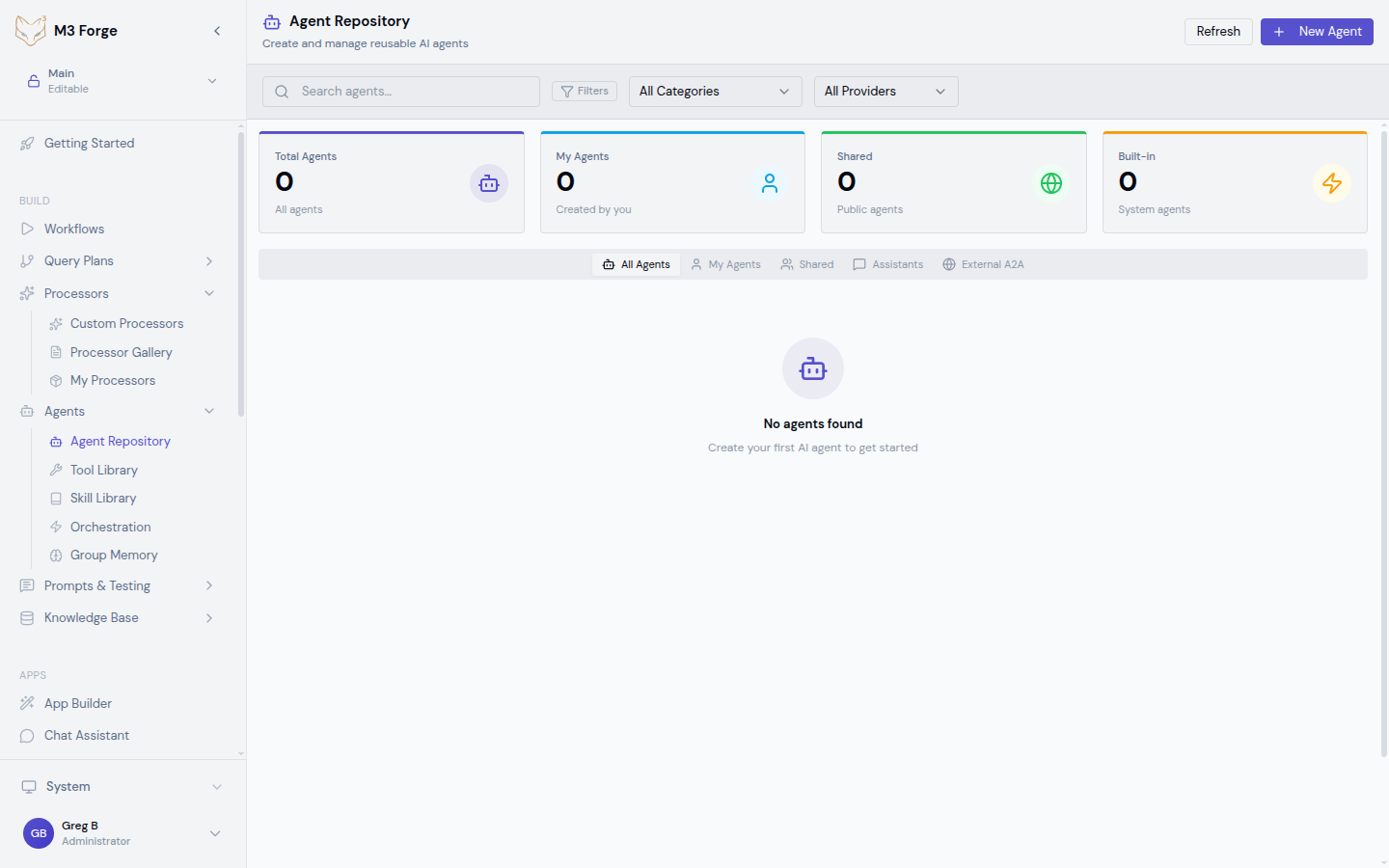
Agent Repository
All agents are stored in a centralized repository with:
- Version control — Track configuration changes over time
- Cloning — Duplicate agents for experimentation
- Sharing — Export agents for team collaboration
- Search — Find agents by name, tools, or capabilities
The repository view shows all agents with status indicators (active, inactive, error).
Deploying Agents
Once you’ve built and tested an agent, deploy it to the Agent Server for production use. The Agent Server handles persistence, task queuing, scaling, and monitoring — so your agents run reliably at scale.